
Clutch Corner
WoW Combat Log Guides and Raid Data
Guides to reading your logs, raid data from real progression, and plain answers about what went wrong and how to fix it. From the team behind WowCoach.
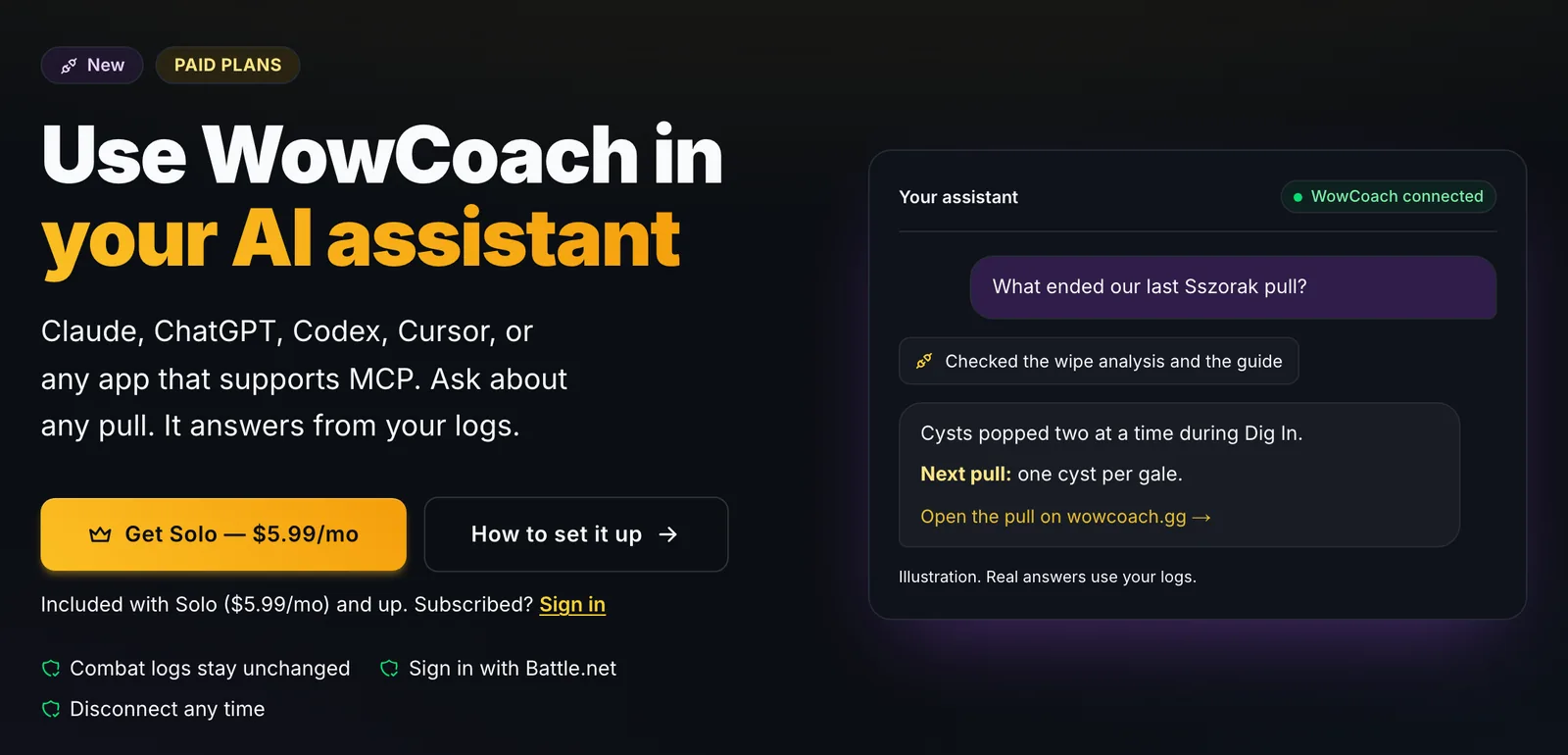
WoW Raid Analyzer: Ask AI Why You Wiped (Raid Tools for Raid Leaders)
A WoW raid analyzer you can talk to: the WowCoach MCP connects Claude, ChatGPT and other AI apps to your raid logs, so a raid leader, or anyone trying to improve, can research any pull by asking. Here is how it works, with real answers from Mythic Venomous Abyss progression.
9 min read15 Questions to Ask Your AI Assistant About Your Raid and Mythic+ Logs
Connected WowCoach to Claude, ChatGPT, Codex or Cursor? These 15 questions to ask your AI assistant get real answers from your Venomous Abyss raids and Season 2 keys.
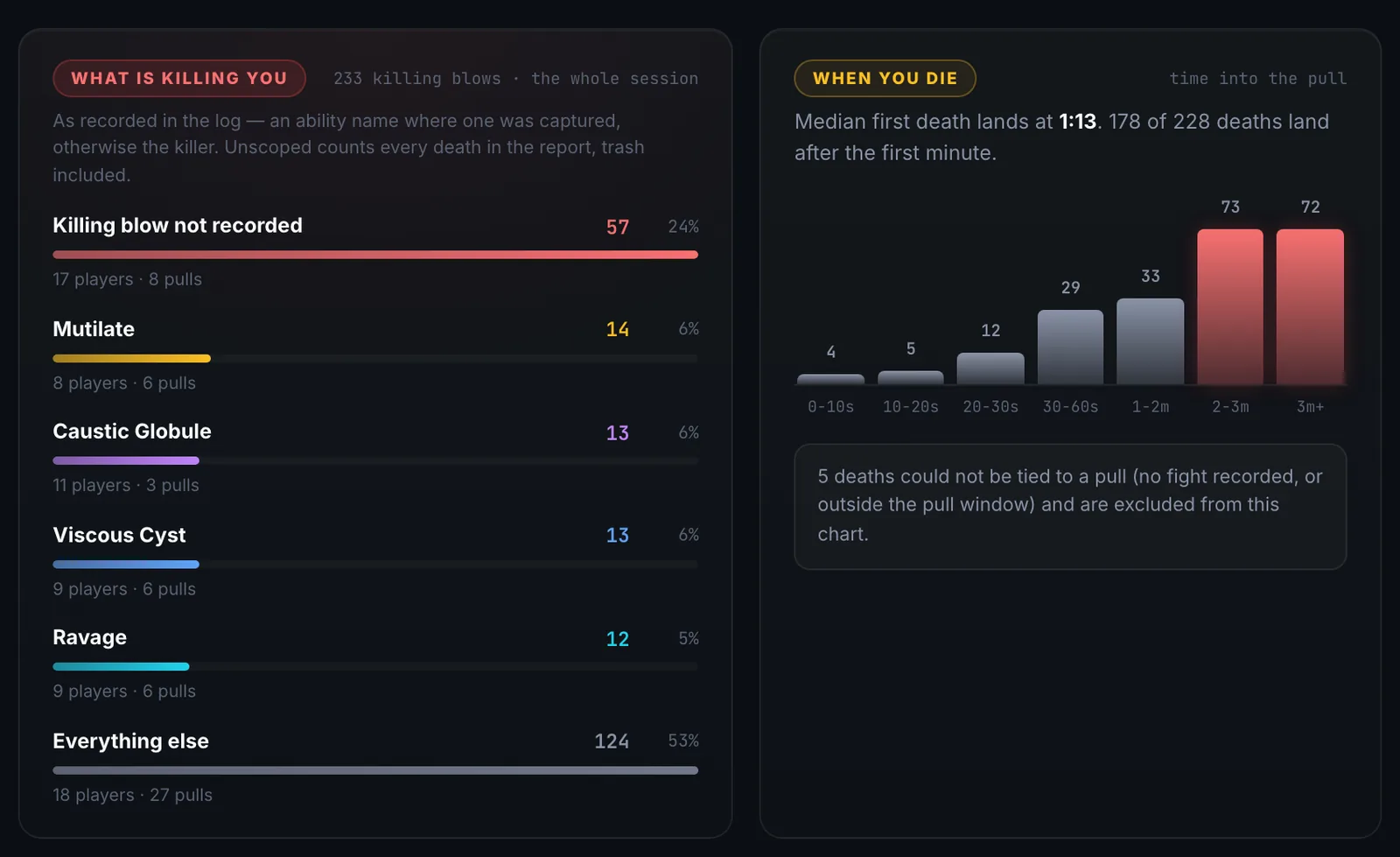
What Kills Raids in the Venomous Abyss: Every Boss, by the Numbers
We counted every death in the Venomous Abyss boss pulls uploaded since Season 2 opened. Here is what kills raids on each of the eight bosses, how it shifts from Normal to Mythic, and the one fix per boss that saves the most lives.
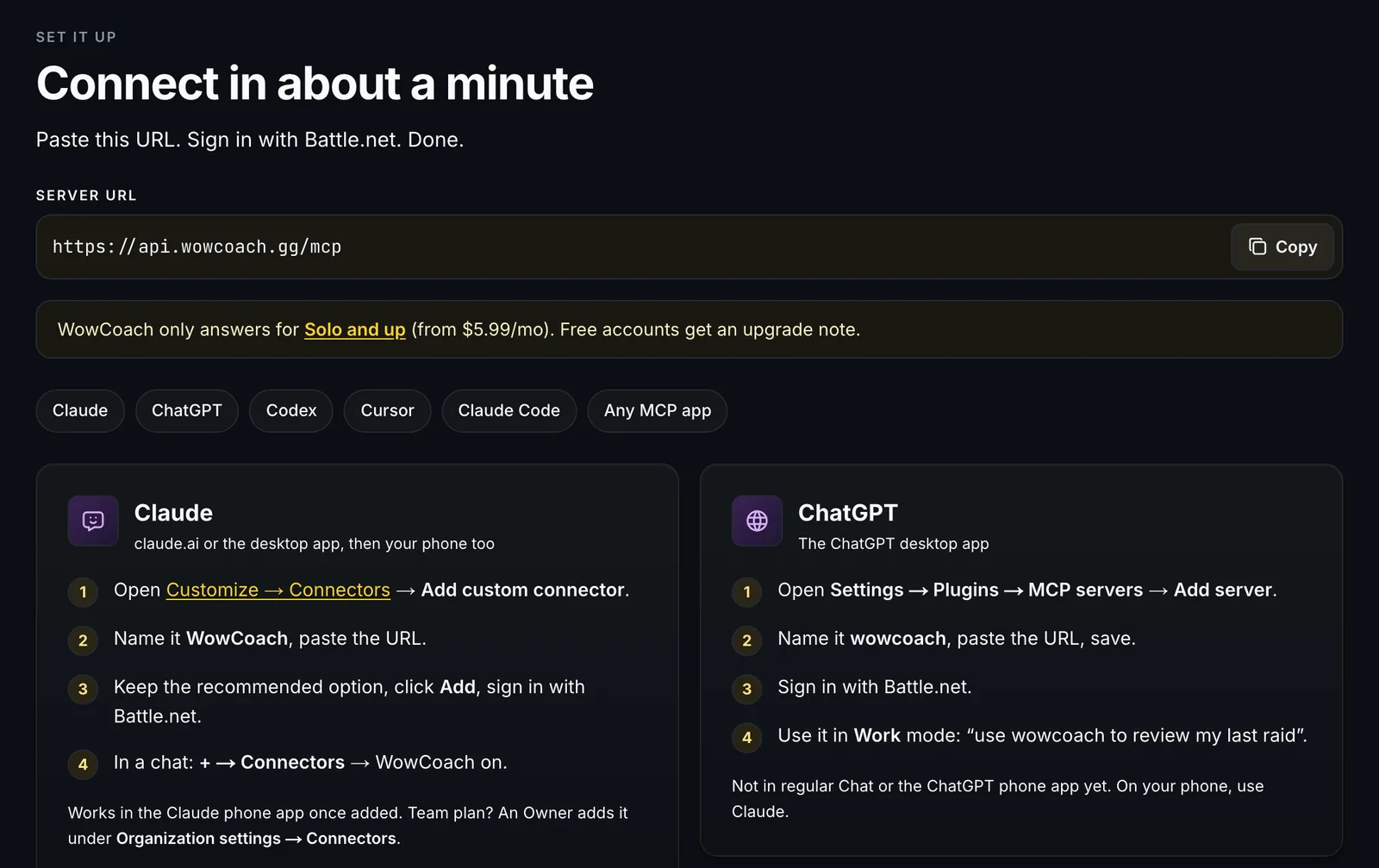
Use WowCoach in Your AI Assistant: Ask Claude, ChatGPT, Codex or Cursor About Last Night's Raid
Paid WowCoach plans can now plug WowCoach into the AI assistant you already use, from Claude and ChatGPT to Codex, Cursor or any MCP app. Ask about your raid and key logs and it answers with WowCoach's wipe analysis, coach cards, guide advice and top-player comparisons.
Latest
WoW Midnight Season 2 Prep: Venomous Abyss Bosses, Unlock Dates, and the M+ Pool
WoW Midnight Season 2 opens August 18 with an eight-boss Venomous Abyss raid, an eight-dungeon Mythic+ pool, and a Lair, all on the same reset. Here are the dates, the bosses in the order you meet them, the affix ladder, the item levels, and the habit that gets you through week 1 faster than any cheat sheet.
WoW Combat Log: The Complete Field Reference (The Docs Blizzard Never Wrote)
The WoW combat log format, finally written down: every field, every event type and every gotcha behind WarcraftLogs and every WoW analytics tool, pulled straight from the production parser that WowCoach's AI coaching runs on.
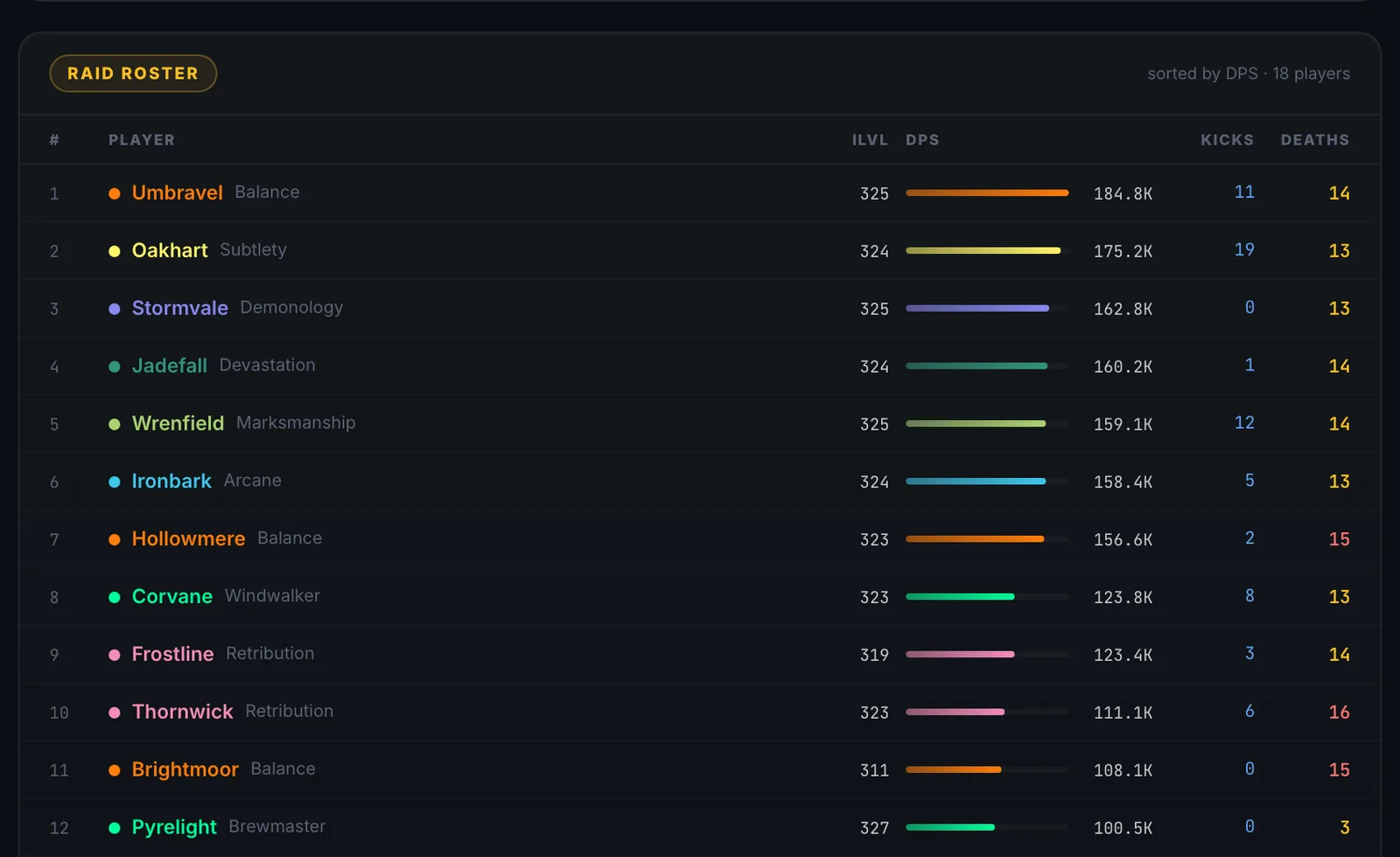
What Does Parse Mean in WoW? Colors & Percentiles Explained
A WoW parse is your WarcraftLogs percentile, 0 to 100, color-coded from gray to gold. Here's what each color means, what counts as a good parse, and how to find the specific things dragging yours down.
How to Improve Your Raid DPS in WoW — A Log-Based Approach That Actually Works
Every guide on how to improve raid DPS in WoW says to learn your rotation. What moves the number is using your own combat logs to find the specific things costing you damage, and fixing them one at a time.
How to Read Your Healer Logs in WoW — Because HPS Doesn't Tell the Whole Story
You healed 2 million HPS, your co-healer did 1.4 million, and nobody died either way. So who played better? The answer explains why healer logs are the most misunderstood data in WoW, and how to read them.
Best Raid Tools for WoW Midnight Season 2 (Patch 12.1) — What Actually Works
Midnight Season 2 changed the addon rules again. The best raid tools for Patch 12.1: what is ready for the Venomous Abyss, what needs caution, and what to use after the pull.
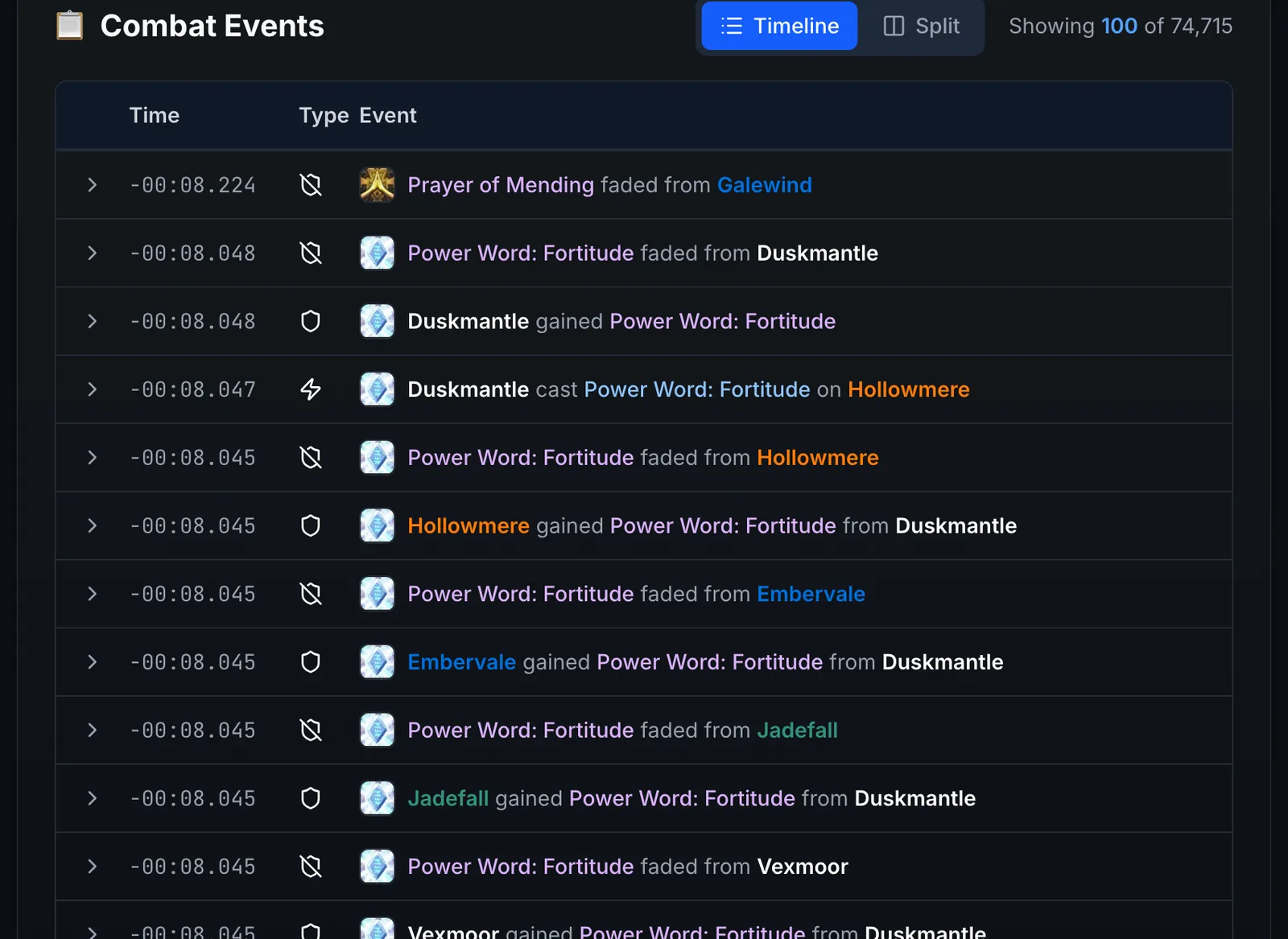
How to Read WoW Combat Logs — A Beginner's Guide That Actually Makes Sense
Everyone says "check the logs," but few people explain how. This beginner's guide to reading WoW combat logs covers what to look at, in what order, and what it means, no statistics degree required.
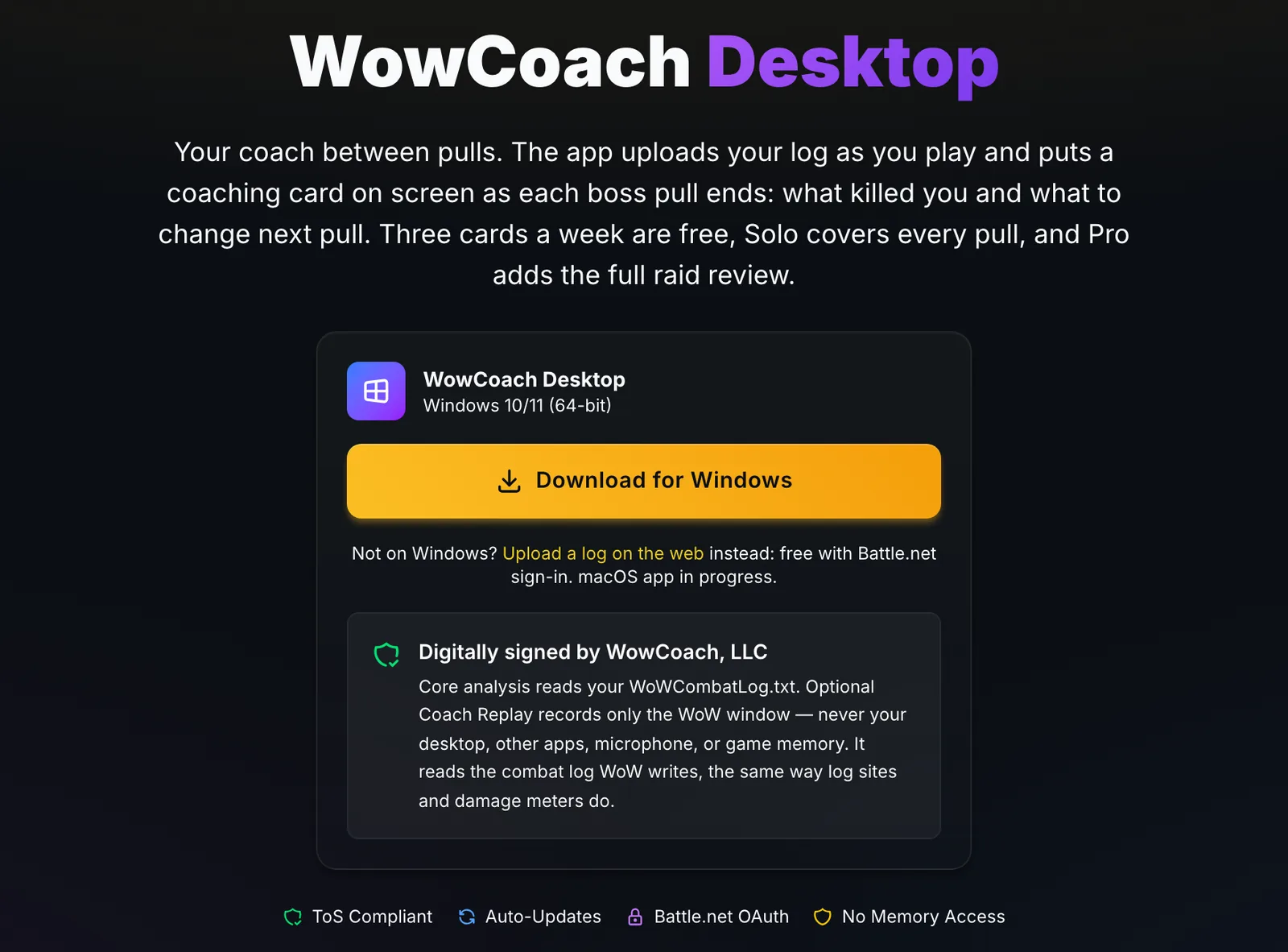
How to Enable Combat Logging in WoW Midnight (/combatlog, 2026)
Type /combatlog and logging is on. The 60-second WoW Midnight setup: turn on Advanced Combat Logging, automate it with AutoCombatLogger so you never forget, then find and upload WoWCombatLog.txt.
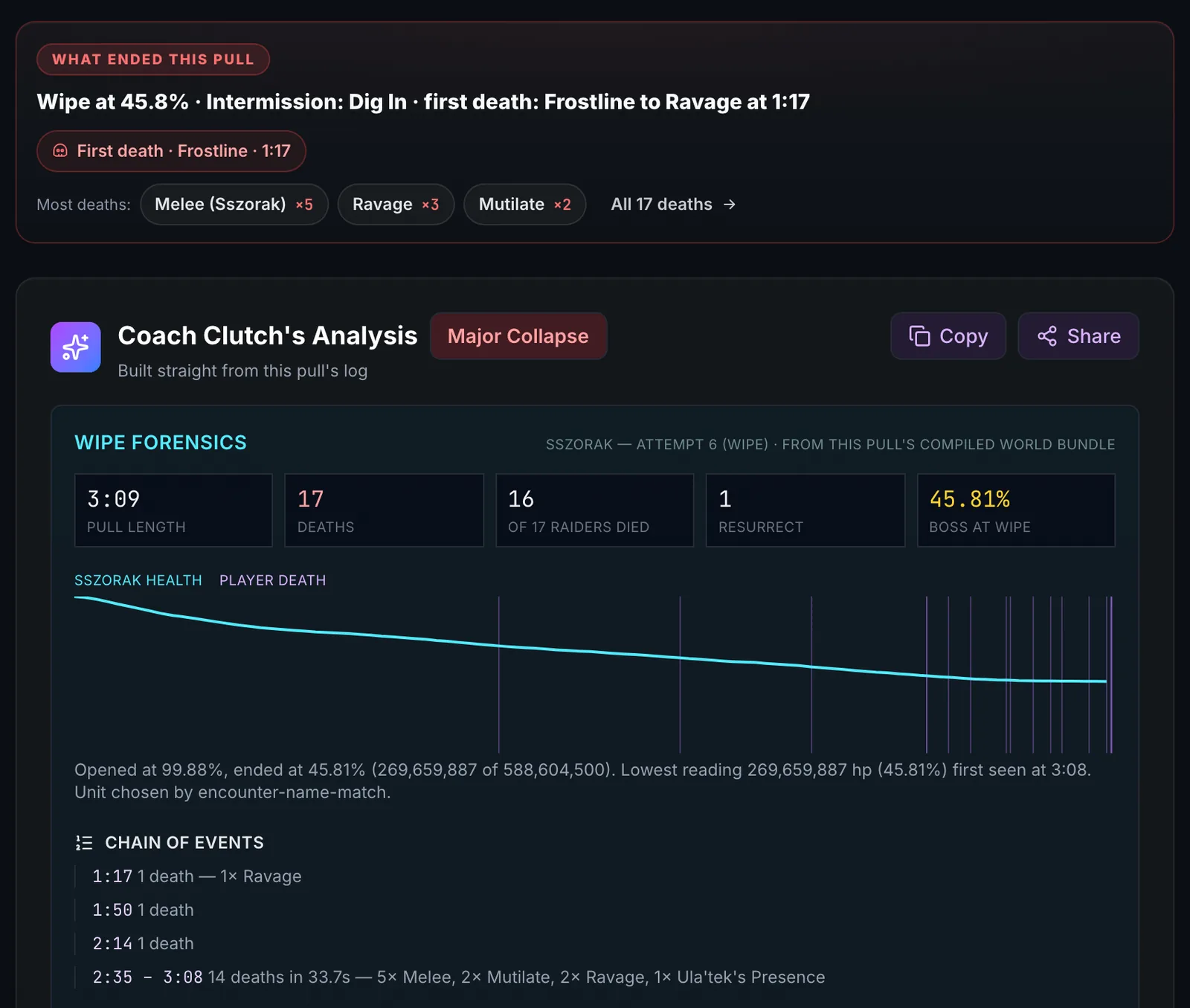
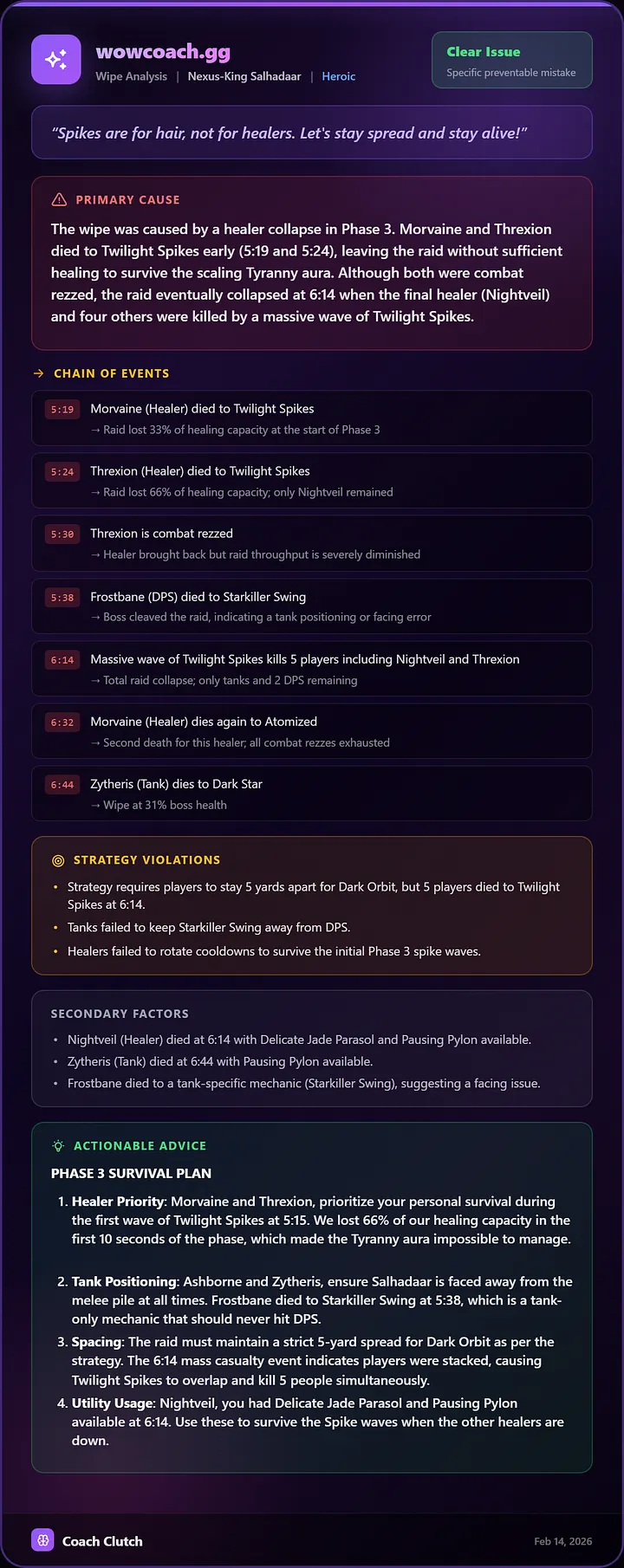
How to Figure Out Why You Wiped in WoW
Your raid just wiped at 35% and nobody knows why. Here is a step-by-step way to figure out why you wiped in WoW: who died first, what killed them, what they could have done, and how it cascaded into 20 corpses.
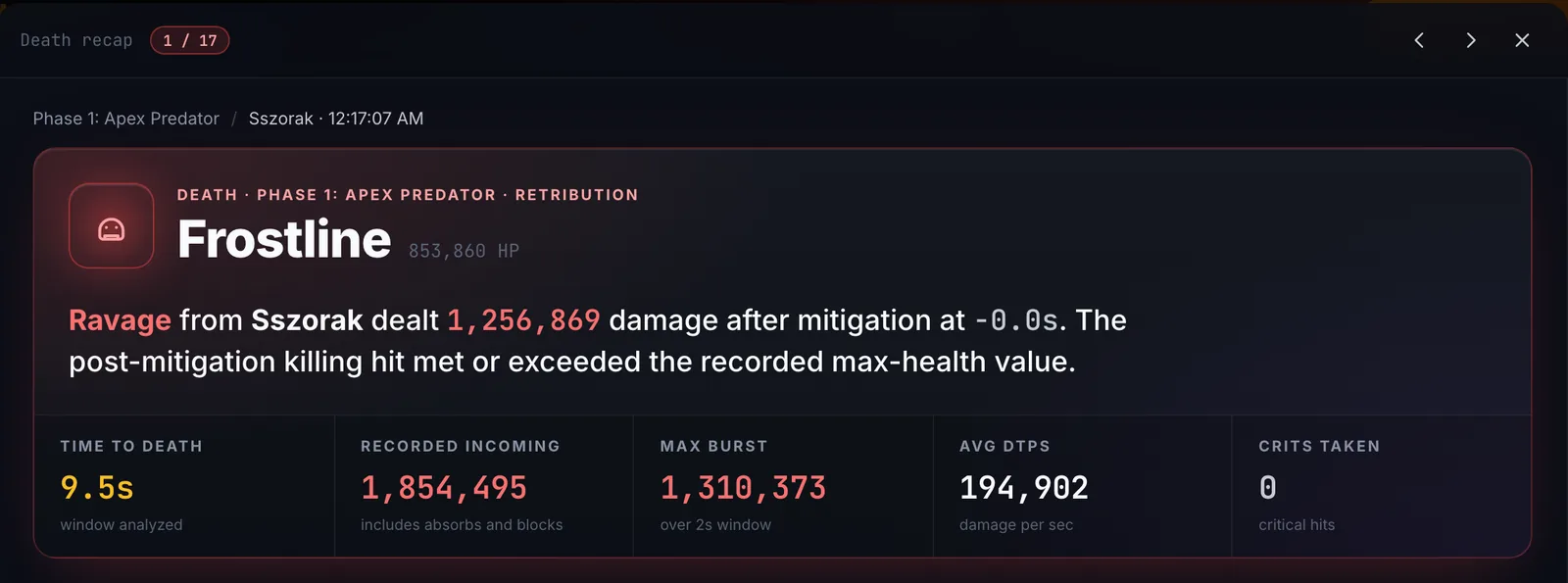
WoW Death Recap: What Actually Killed You
WoW's built-in death recap shows the last 1.6 seconds and a few numbers. Here is how to see the full sequence of damage that killed you, with every ability, every timestamp and every defensive you could have used, so you stop dying to the same things.
How to Review Your Raid Night in 10 Minutes
Raid night ended after 47 pulls and your brain is fried. You know you should review the logs, but not for two hours. Here is how to review your raid night in 10 minutes, and how AI tools can do most of it for you.
I Spent 6 Months Building a WarcraftLogs Competitor — Solo, on AWS Serverless
Building a WarcraftLogs competitor solo on AWS serverless meant reverse-engineering an undocumented format, cutting AI costs over 95% in four rounds, and shipping a feature in 3 days because a tester asked.
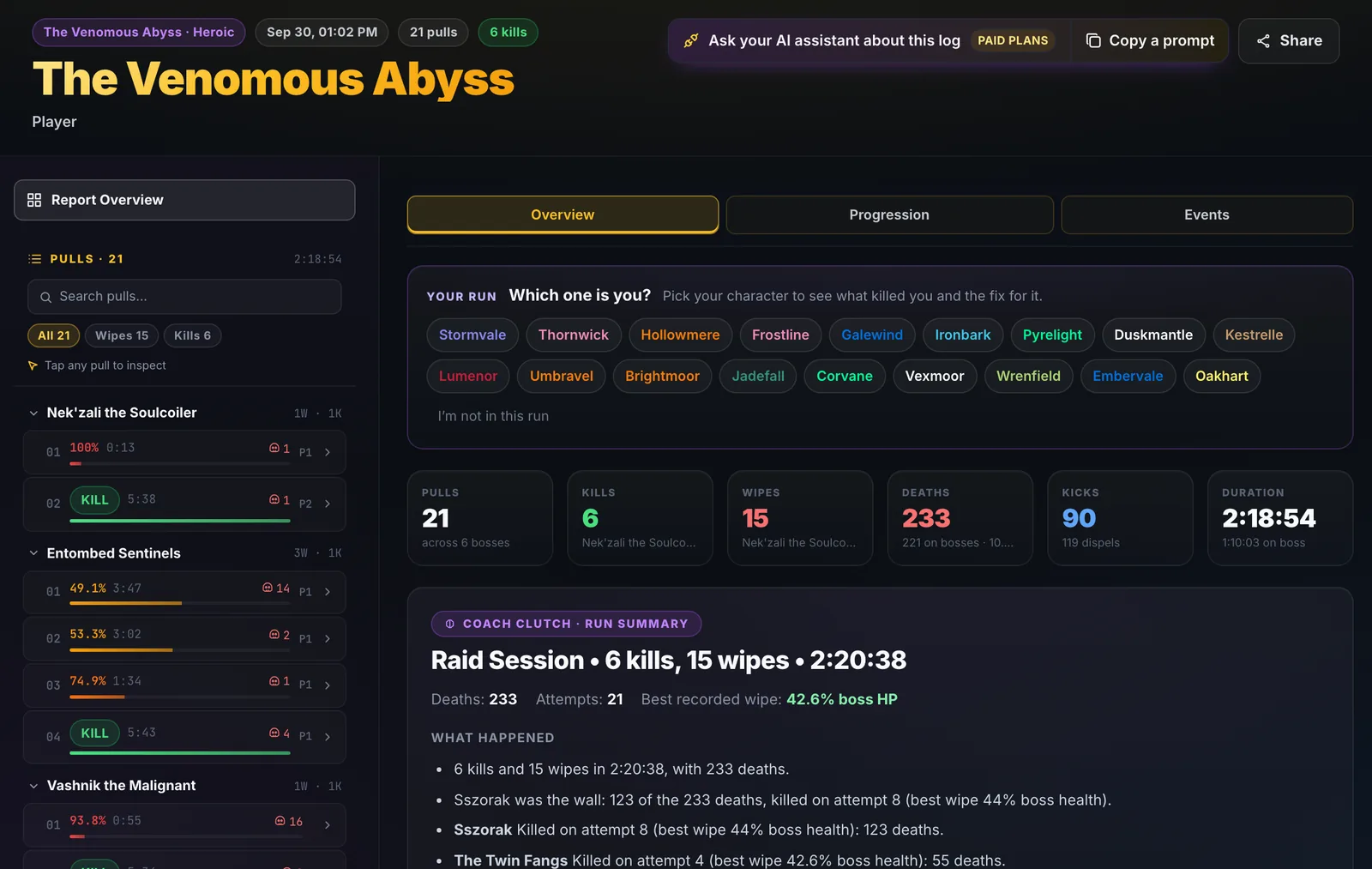
WarcraftLogs vs WoWAnalyzer vs WowCoach: Which Combat Log Tool Is Right for You?
WarcraftLogs vs WoWAnalyzer vs WowCoach: three combat log tools built for three different jobs. WarcraftLogs is the community home for logs, rankings and deep data, WoWAnalyzer checks your spec's rotation, and WowCoach explains why a pull went wrong and what to change. Most raiders use more than one.
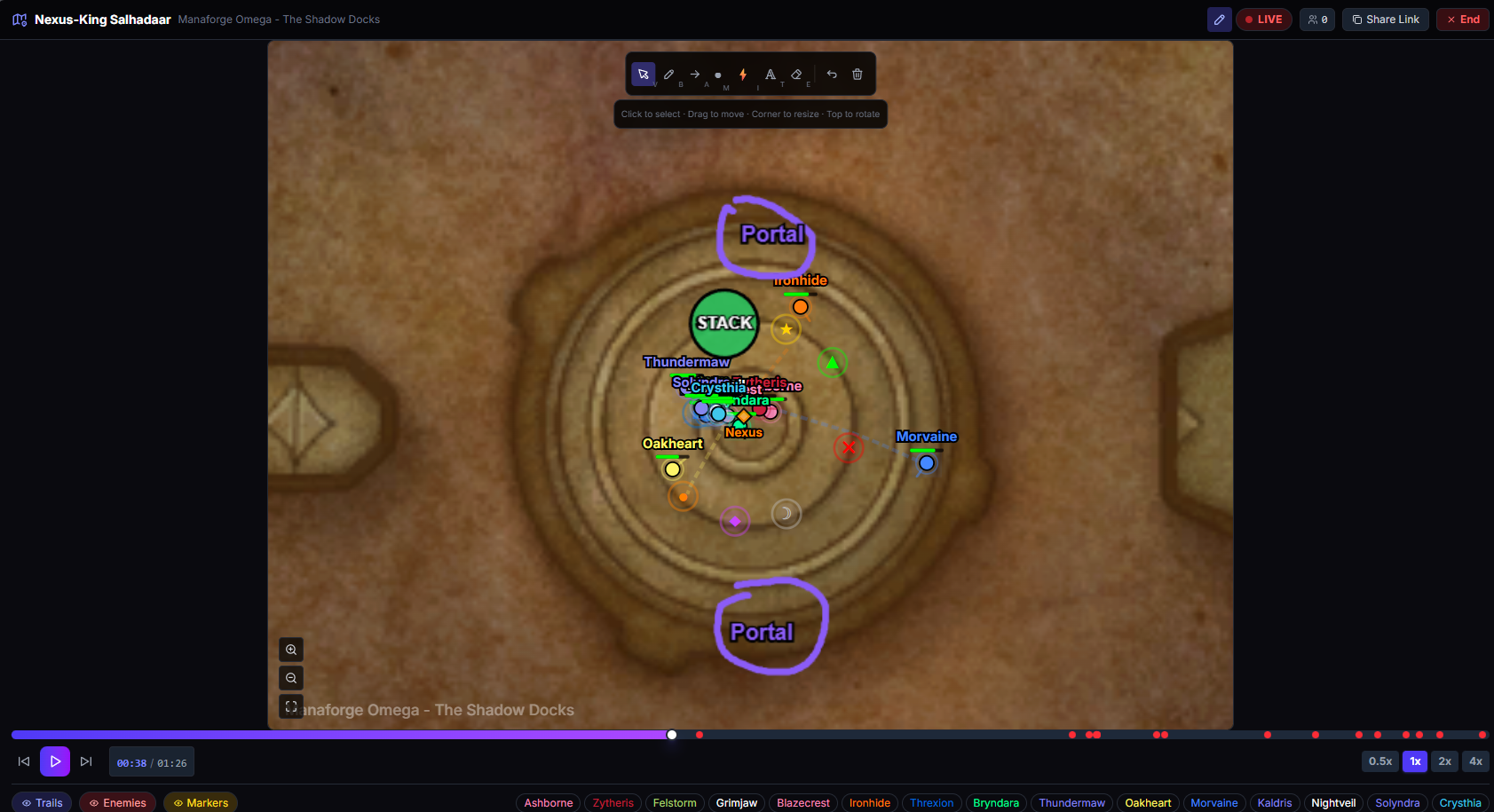
How to Review Raid Positioning Between Pulls — Fight Replay With Live Drawing
Your raid wiped and you know it was positioning. Fight Replay screencasting lets a raid leader scrub to the exact moment, show every player on the real dungeon map, draw on it live and share it with the raid before the next pull.
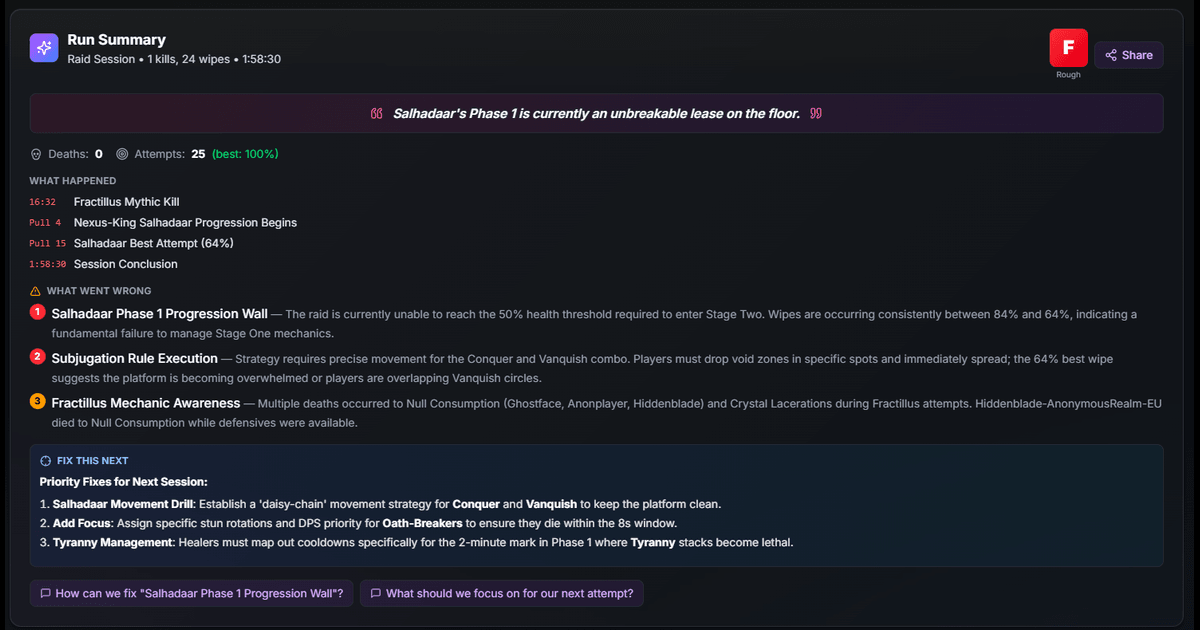
How to Quickly Review a Full Raid Night or M+ Session — AI Run Summary
Raid night ended 54 pulls deep, and nobody remembers what went wrong on pull 12 versus pull 40. AI Run Summary reads the entire session, every wipe and every kill, and tells you what happened, what's killing you and what to fix next time.
How to Analyze WoW Combat Logs Fast — AI Log Review vs Manual
It's 11 PM and you're cross-referencing three tabs of combat log data to figure out why you wiped 14 times. AI log analysis finds the root cause in seconds: who died, why, and what to change next pull.
WoW Raid Strategy Planner — Draw Boss Positioning, M+ Routes, and Pull Plans
Explaining boss positioning over voice chat rarely works. Strategy Board lets you draw where everyone should stand, mark soak positions, plan M+ routes and share the link in Discord, so nobody can say "I didn't know" after the wipe.
Meet Coach Clutch: The AI That Tells You Why You Wiped in WoW
Upload your WoW combat log and get plain-English answers in seconds. Coach Clutch reads every death, every cooldown and every pull, then tells you why you wiped, what killed you, and exactly what to fix.
From the archive
Older posts about an earlier season or a feature launch. Kept for reference; details may have changed since.
WoW Midnight Voidspire Raid Prep: What to Know Before Week 1
Updated 7 min readHow to Automatically Upload WoW Combat Logs — No More Alt-Tabbing
Updated 3 min readWhy Did My Raid Wipe? How AI Wipe Analysis Finds the Root Cause
Updated 4 min readReady to get coached?
Upload a combat log and Coach Clutch tells you what killed you, what ended the pull, and the one thing to change next.